








WooConverter Pro
$25.00
Free Version Available for Trial(Click This)
WooConverter is part of the toolset I created to build and populate this storefront.
Spend less time preparing listings.
WooConverter transforms inventory photos into organized images and platform-ready import files, helping sellers get products online faster.
Designed for Sellers
WooConverter was developed from a real-world inventory workflow used to process and publish products online. While originally built around trading cards and collectibles, the workflow supports virtually any inventory photographed with front and back images.
Most sellers spend their time organizing photos, renaming files, creating spreadsheets, and preparing listings.
WooConverter was built to reduce that repetitive work.
Take inventory photos, run WooConverter, and generate the images and import-ready files needed to begin building your storefront.
Whether you’re selling collectibles, books, media, comics, games, tools, antiques, toys, or general merchandise, WooConverter helps reduce the time spent preparing listings so you can spend more time selling.
Features
✓ Generate import-ready product CSV files for supported storefront platforms
✓ Supports WooCommerce and Wix export workflows
✓ Process paired inventory images for product listings
✓ Automatically prepare images for consistent presentation
✓ Optional branded display frame
✓ Replace the included frame with your own custom PNG design
✓ Disable framing entirely with a single setting
✓ Works with trading cards, comics, books, collectibles, games, media, tools, toys, and general inventory
✓ No subscriptions required for WooConverter V1
✓ Windows executable — no programming knowledge required
What WooConverter Produces
WooConverter generates:
• Platform-ready product import CSV files
• Processed product images
• Organized output ready for upload
Depending on your selected export target, WooConverter can generate files compatible with supported storefront platforms including WooCommerce and Wix.
From inventory photos to online storefront in minutes.
Image Framing
WooConverter includes an optional display frame that can be applied automatically during image processing.
Choose the included WooConverter frame, replace it with your own custom frame design, or disable framing entirely.
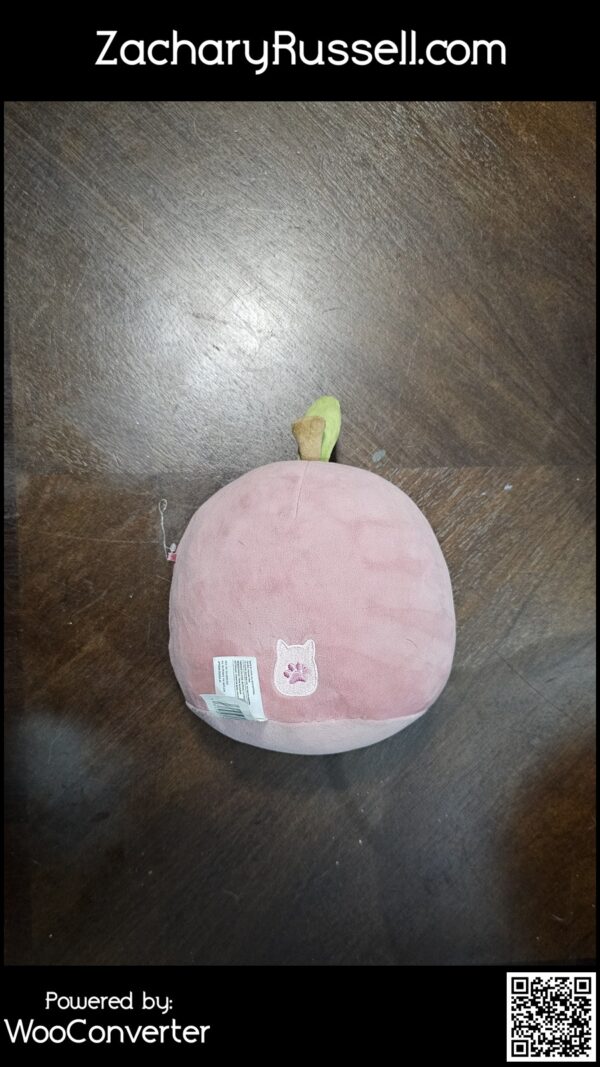
WooConverter Pro also supports custom frame PNG files, allowing sellers to add their own branding, logos, colors, QR codes, and visual identity directly into listing images.
Image Quality Recommendations
WooConverter is designed to automate listing preparation, not replace product photography.
For best results:
• Use clear, well-lit photographs
• Keep items centered in the image
• Use a clean background whenever possible
• Avoid excessive glare, shadows, and blur
• Ensure the item is fully visible within the frame
The quality of the final output is directly influenced by the quality of the source images provided. Poorly photographed inventory can still be processed successfully, but presentation quality may affect customer engagement and sales performance.
WooConverter Pro
Simple. Fast. Focused.
Spend less time preparing listings.
Spend more time selling.
Take photos. Run WooConverter. Upload and sell.